Unlocking Joy: 50% Off On WordPress Themes Get It Now >>

FaceLogin for Mingrow CRM2.0 – Facial Recognition Login

Note: This is a module designed for Mingrow CRM. It is not a separate script.

Overview

FaceLogin is a modern facial recognition module for Mingrow CRM, designed to offer a seamless and secure login experience. Leveraging real-time face matching through your device’s webcam, it replaces traditional passwords with intelligent identity verification — clean, intuitive, and secure.

Note: Currently, only staff logins are supported.

Key Features:

  • Face Recognition
    Utilizes the face-api.js library to detect and verify facial features in real time.
  • Live Webcam Feed
    Facial recognition is conducted through a live webcam feed, ensuring interactive and secure login.
  • Webcam Selector
    Supports devices with multiple cameras (e.g., laptops, tablets, and smartphones).
  • Register & Update Face Data
    Staff can save or update their facial data through a guided capture process.
  • Clean Login Modal with Overlay Guide
    A smart face guide UI with detection feedback like:
    – “Align your face inside the guide”
    – “Looking for face…”
    – “Verifying…”
    – “Success” / “Login failed”
  • Face Descriptor Storage
    Facial data is securely saved as JSON and mapped to staff user IDs.
  • No Core File Modifications
    Integrates smoothly with the existing Mingrow login process using hooks and modals.
  • Fully Responsive Design
    Works across desktops, laptops, and supported mobile browsers.

Demo URL and Credentials:

Explore the module with our live demo:

  • Demo URL: https://Mingrow .hopperstack.com/admin/authentication
  • Login:
    • Email: admin@example.com
    • Password: 123456

Installation Guide:

  1. Log in to Mingrow  CRM as an administrator.
  2. Navigate to Setup > Modules.
  3. Select the extracted upload.zip at Module installation selection prompt and press Install.
  4. You’re all set!

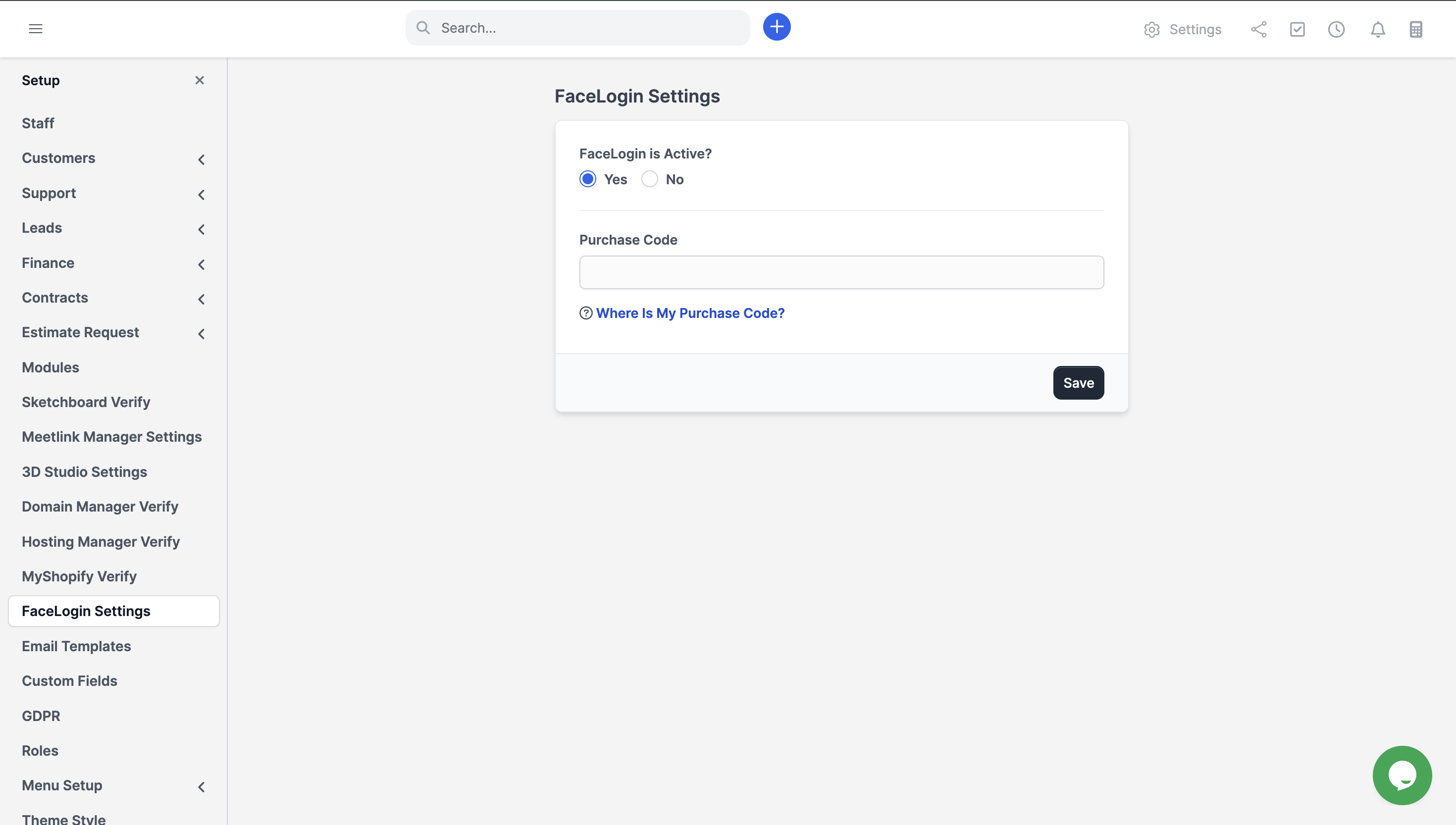
FaceLogin

FaceLogin

Requirements:

  • ✔️ Mingrow CRM v3.0.0 or higher
  • ✔️ HTTPS must be enabled (required for camera access in browsers)
  • ✔️ A device with a webcam (built-in or USB/external)

Customer Support

Your satisfaction is our priority! Reach out to us for any queries, support requests, or bespoke solutions.

  • Support Hours: Monday – Saturday
  • Response Time: Guaranteed within 1-2 business days
  • Connect with us via our Support Portal

follow support

Change Log

Version 1.0.0

  • Initial release


License Option
Quality checked by Mingrow Store
Full Documentation
Future updates
24/7 Support

We use cookies to personalize your experience. By continuing to visit this website you agree to our use of cookies

More